How Much Does It Cost to Set Up IT Infrastructure for an Office in Dubai?
Planning a new office in Dubai? One of the most important decisions before moving in is how to design and implement your IT infrastructure.
Employees need reliable internet, business Wi-Fi, secure network access, computers, Microsoft 365, meeting rooms, printers, servers or cloud storage, and cybersecurity from their first working day. Many businesses underestimate the cost and complexity of setting these systems up. Some focus only on computers and internet, then discover they also need structured cabling, network switches, firewalls, wireless access points, access permissions, backup systems and professional installation.
For international companies opening a branch in Dubai, planning is even more important. The local office may need to follow technology and security standards established by headquarters in the UK, USA or Europe.
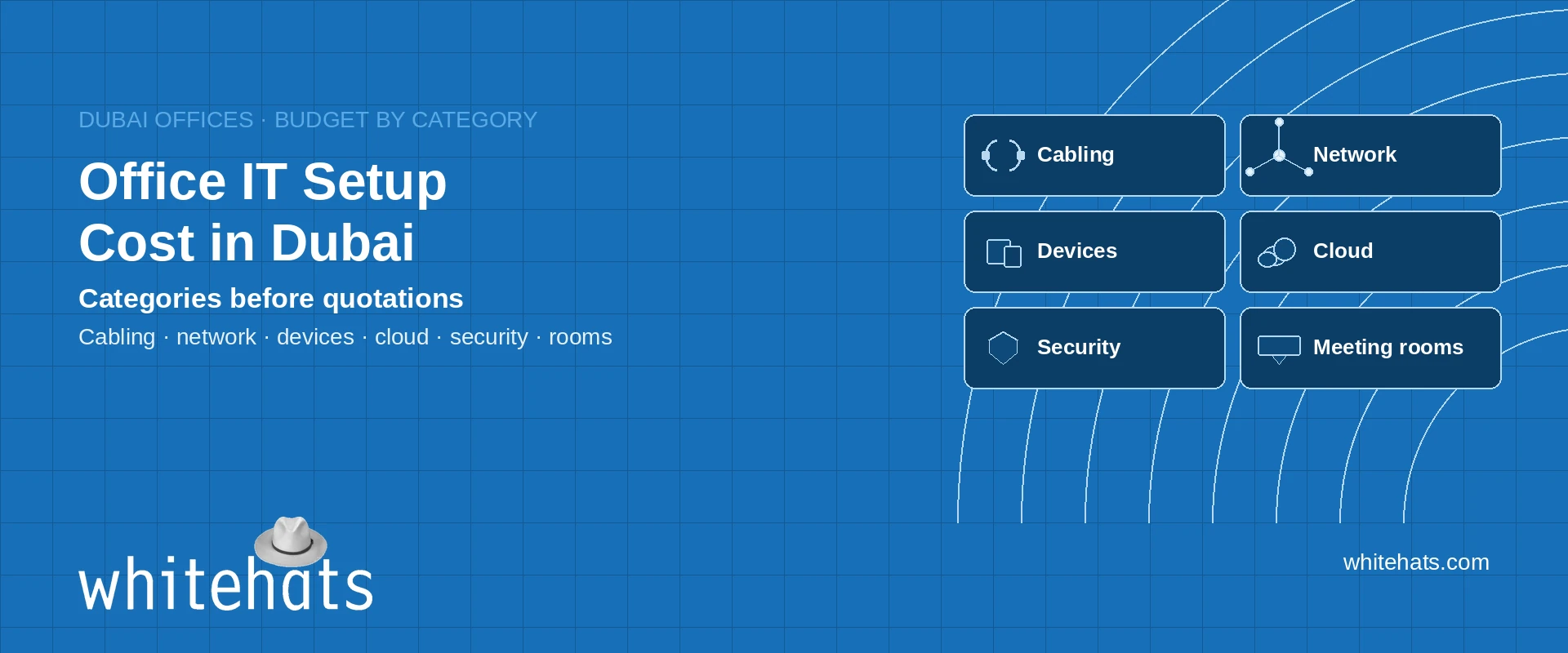
This guide explains the main components of office IT infrastructure, the factors that influence setup costs in Dubai, common budgeting mistakes and how to plan an efficient implementation. It does not invent market prices. Use the budget structure below to request comparable quotations.
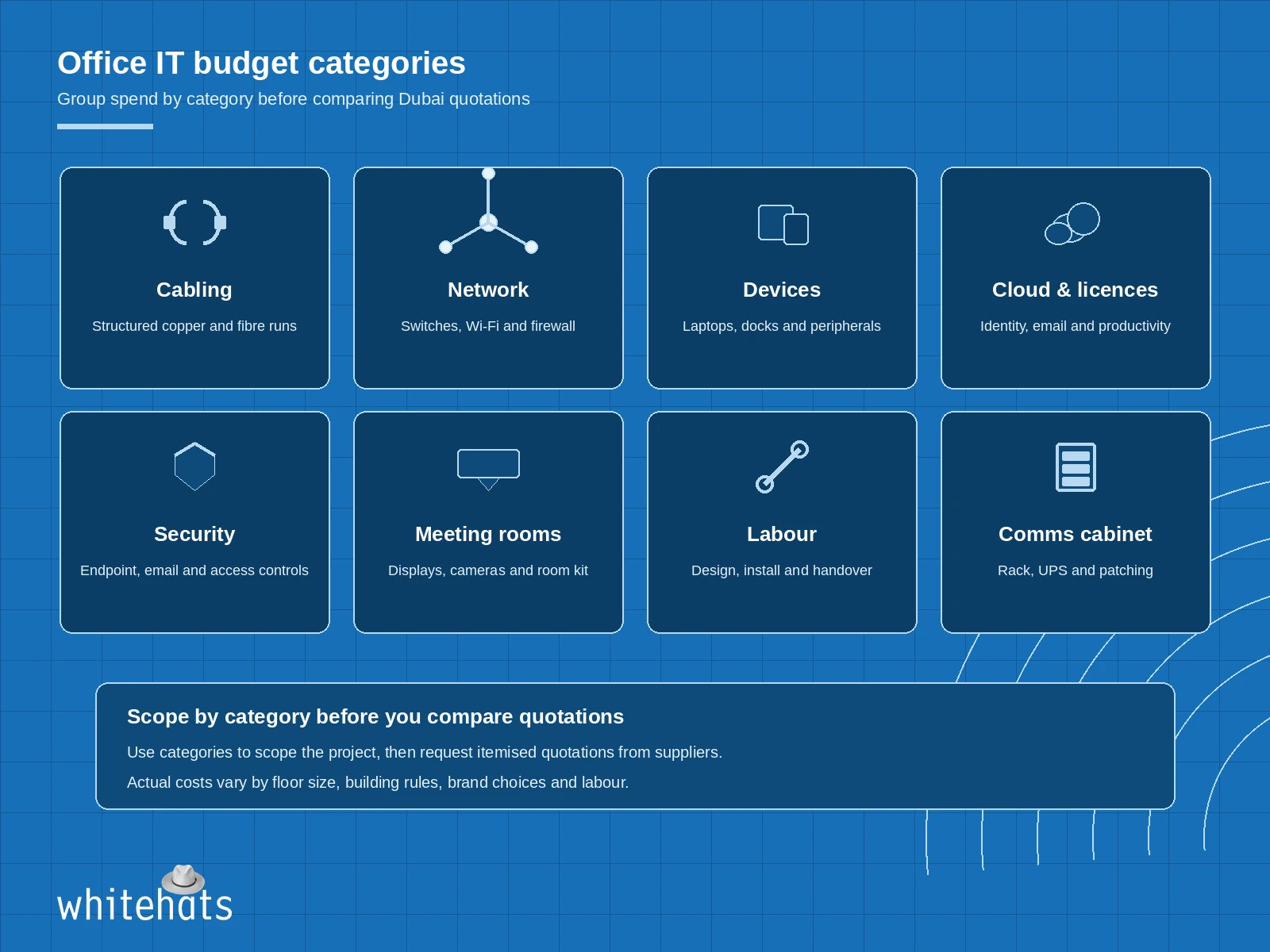
Budget office IT by category before comparing Dubai quotations.
On this page
- What is included in office IT infrastructure?
- The main components and their cost considerations
- How much should you budget?
- Five mistakes businesses make when setting up office IT
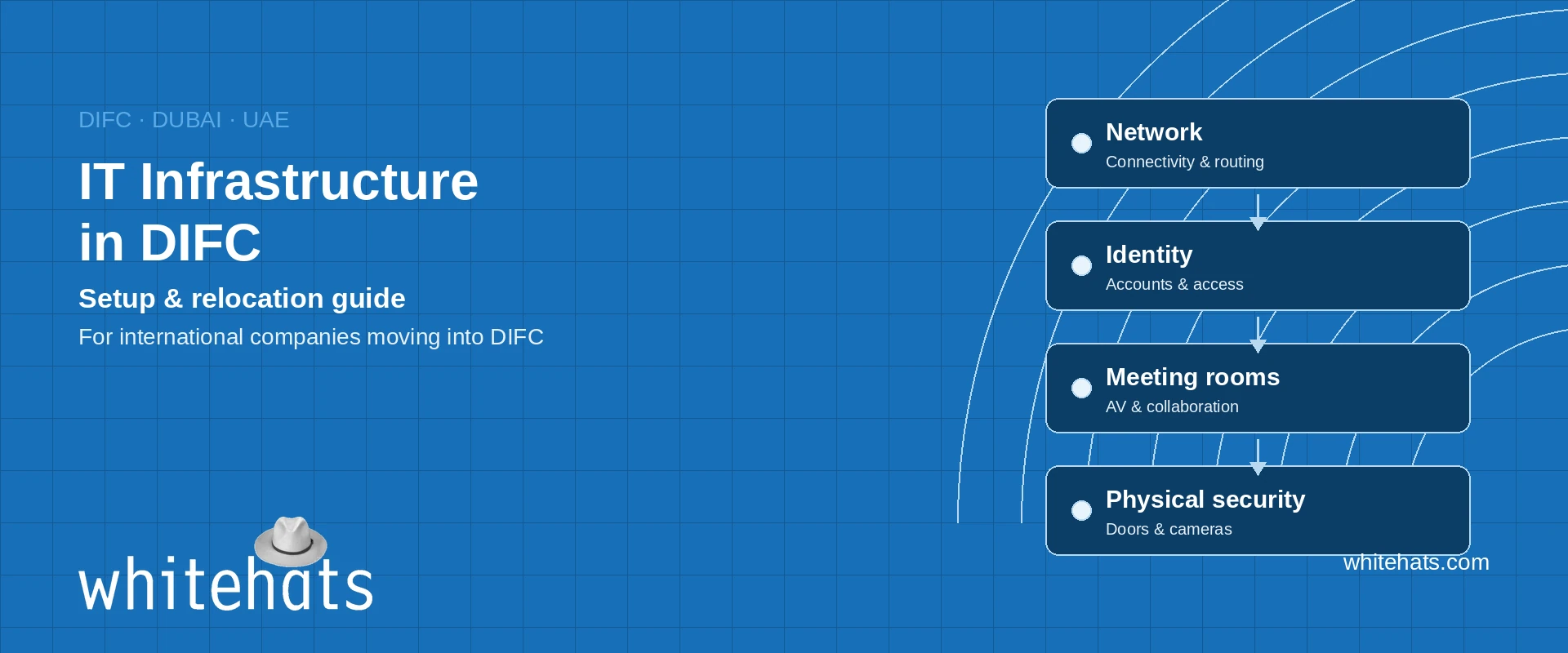
- How international companies should approach IT setup in Dubai
- A practical IT infrastructure implementation process
- How Whitehats supports office IT infrastructure in Dubai
- Frequently asked questions
1. What is included in office IT infrastructure?
Office IT infrastructure is the combination of hardware, software, connectivity, security and services required to operate business technology. A typical office setup may include:
- Internet connectivity and business routers
- Firewall and network security
- Structured cabling and network points
- Managed network switches
- Wireless access points and corporate Wi-Fi
- Desktop computers and laptops
- Microsoft 365 and business applications
- Identity and device management
- Servers, NAS and cloud storage
- Backup and disaster recovery
- Printers and shared devices
- Meeting-room and video-conferencing equipment
- IT monitoring and ongoing technical support
Exact requirements depend on headcount, office layout, industry, applications and internal IT policies.
2. The main components and their cost considerations
A. Internet connectivity
A reliable business internet connection is the starting point. Before selecting a package, consider number of employees and connected devices, cloud applications and file-sharing requirements, video conferencing and voice traffic, upload and download bandwidth, static IP requirements, business continuity and backup connectivity, and service-level commitments from the provider.
Businesses with cloud applications and frequent video meetings should not select connectivity based only on advertised download speed. For critical operations, consider whether a secondary internet connection or failover arrangement is justified. Internet service pricing depends on provider, package, building availability, contract term and service requirements. Obtain a site-specific quotation rather than relying on a generic estimate.
B. Structured cabling and network points
Structured cabling provides the physical connectivity between workstations, network equipment, wireless access points, printers and other devices. A professional installation may include Cat6 or Cat6A network cabling, data outlets at workstations, patch panels and network cabinets, fibre connections where required, cable labelling and testing, and cable management and documentation.
Cost depends on office size, cable routes, ceiling access, number of outlets, building restrictions and installation complexity. Planning cabling before furniture and ceilings are completed reduces rework. More on structured cabling.
C. Firewall and network security
A business firewall is an important part of office network design. Depending on requirements, it may provide internet traffic control, VPN connectivity, intrusion prevention, application and web filtering, network segmentation, security event logging and secure access for remote employees.
The right firewall depends on throughput requirements, number of users, security features, internet connections and future growth. Do not select a firewall based only on port count or advertised throughput. Check performance with the security features you intend to enable. Related: Whitehats security scope.
D. Network switches and Wi-Fi
Network switches connect wired devices; wireless access points provide Wi-Fi coverage. A well-designed network should consider number of wired users and devices, wireless coverage and capacity, meeting-room requirements, guest Wi-Fi separation, VLAN segmentation, Power over Ethernet requirements, and network monitoring and management. A wireless site survey helps identify the number and placement of access points for reliable coverage.
E. Computers and employee devices
Device choice depends on employee roles and business applications. General office employees may need standard business laptops; finance and management teams may need higher-performance systems; design and engineering teams may require workstations; some organisations operate mixed Windows and Apple Mac environments. Budget also for monitors, docking stations, keyboards, headsets, webcams, warranties and device management.
F. Microsoft 365 and cloud services
Microsoft 365 can provide business email, collaboration, productivity and document management. Depending on subscription and configuration, the environment may include Exchange Online, Microsoft Teams, SharePoint Online, OneDrive, Microsoft Entra ID, Microsoft Intune and Microsoft Purview capabilities.
Licensing costs depend on selected plans, number of users, contract arrangement and any additional security or compliance requirements. Purchasing licences is not the same as implementing a secure Microsoft 365 environment. Configuration, identity protection, device policies and data governance also belong in the budget.
G. Servers, storage and backup
Not every office requires a traditional server room. Many organisations operate primarily through cloud services. Local or hybrid infrastructure may still be necessary for large shared datasets, legacy business applications, local file services, specialised workloads, network-attached storage, backup repositories or video surveillance storage. Storage capacity, redundancy, performance, backup retention and recovery requirements all affect design and cost.
H. Meeting rooms and collaboration systems
Meeting-room technology is frequently overlooked in initial office budgets. Depending on the number and size of meeting rooms, you may require Microsoft Teams Rooms, Logitech Rally Bar or other video-conferencing systems, room scheduling panels, microphones and speakers, displays and mounts, wireless presentation systems, and room PCs or appliances. Design should consider room size, seating layout, acoustics and the preferred conferencing platform.
3. How much should you budget?
There is no responsible single price for an office IT setup without knowing office size, number of users, equipment specifications and required services. Instead of presenting an arbitrary Dubai market price, use the following budget structure to request comparable quotations.
| Budget category | What should be included |
|---|---|
| Internet | Business connection, installation and backup link if required |
| Cabling | Data outlets, patch panels, testing and labelling |
| Network | Firewall, switches, wireless access points and configuration |
| End-user devices | Laptops, desktops, monitors and accessories |
| Cloud and software | Microsoft 365 and other business licences |
| Security | Endpoint protection, email security and firewall services |
| Storage and backup | NAS, cloud storage, backup software and recovery |
| Meeting rooms | Video conferencing equipment and installation |
| Professional services | Design, implementation, testing and documentation |
| Ongoing support | Managed IT support, monitoring and maintenance |
Three example office planning scenarios
The following are planning scenarios, not market quotations. They illustrate how requirements differ.
Scenario 1: Small professional office
A small team using laptops, Microsoft 365 and cloud applications may need business internet, firewall and managed network, wireless access points, structured cabling, laptops and accessories, Microsoft 365 configuration, endpoint protection, and basic backup and support. A local server may not be necessary.
Scenario 2: Medium-sized corporate office
A growing office with multiple departments may require more extensive cabling, managed switches and multiple access points, segmented corporate and guest networks, a business-grade firewall, Microsoft 365 and device management, centralised backup, meeting-room systems, and more structured support and monitoring.
Scenario 3: International or regulated business office
A company operating under global IT and security policies may need standardised network architecture, centralised identity and access management, advanced endpoint protection, security monitoring and incident escalation, secure remote connectivity, detailed asset and configuration documentation, data protection and recovery controls, integration with global IT operations, and more formal change management and support processes.
The most expensive requirement is not necessarily the hardware. Design, integration, security, compliance and operational support can have a significant impact on the overall project.
4. Five mistakes businesses make when setting up office IT
- Purchasing equipment before designing the network — buying switches, access points and firewalls before assessing the office layout can result in incorrect quantities, poor Wi-Fi coverage or unnecessary equipment. Start with a requirements assessment and network design.
- Ignoring cybersecurity during the initial setup — identity protection, endpoint security, firewall configuration, device management and backup planning belong in the initial design.
- Underestimating meeting-room requirements — meeting rooms need more than a display and a camera. Audio coverage, acoustics, connectivity, conferencing platforms and user experience all matter.
- Not planning for business growth — consider additional network capacity, switch ports, wireless coverage, storage, device management and licensing.
- Selecting the cheapest quotation — a low quotation may exclude installation, configuration, testing, documentation, licences or ongoing support. Compare complete scope, not only hardware prices.
5. How international companies should approach IT setup in Dubai
For a company opening a Dubai branch, IT infrastructure planning should involve both local implementation teams and global IT stakeholders. Before implementation, establish:
- Global standards — which firewall, endpoint, identity, device and cloud policies must the Dubai office follow?
- Identity and access — will the local office use the existing Microsoft 365 tenant or a separately managed environment? Who controls administration?
- Device management — how will Windows and Apple Mac devices be configured, secured and supported?
- Connectivity — are there requirements for secure access to headquarters, cloud platforms or regional data centres?
- Data protection — what information will be stored locally or in the cloud, and which internal and legal requirements apply?
- Support model — who handles local incidents, global escalations and extended-hours support?
Getting these decisions right before implementation reduces the risk of redesigning the environment later.
6. A practical IT infrastructure implementation process
- Requirements assessment — users, applications, office layout, business priorities and technical requirements
- Infrastructure design — network architecture, hardware specifications, security requirements and connectivity plans
- Bill of quantities — equipment, licences, installation work and professional services
- Procurement — specifications, compatibility, availability and delivery timelines
- Installation — cabling, network equipment, wireless deployment and workstation setup
- Configuration — identity, security, cloud services, access policies and backup
- Testing — network connectivity, Wi-Fi coverage, user access, meeting rooms and security controls
- Handover — documentation, asset inventory, configuration records and support procedures
A clear handover is essential. Your business should not depend on undocumented configurations or one individual knowing how the entire environment works.
7. How Whitehats supports office IT infrastructure in Dubai
Whitehats LLC provides IT infrastructure, cybersecurity and technology implementation services for businesses in Dubai and the UAE. For companies establishing a new office, expanding operations or upgrading existing infrastructure, Whitehats delivers:
- IT infrastructure assessment and design
- Structured cabling and network implementation
- Firewall, switching and wireless solutions
- Desktop, laptop and workstation deployment
- Microsoft 365 and cloud configuration
- Identity and endpoint security
- Server, NAS and storage solutions
- Backup and data protection
- Meeting-room and collaboration systems
- Ongoing IT support and maintenance
For international organisations, Whitehats works with internal IT stakeholders to align local implementation with the company’s technology standards and operational requirements — from initial planning and procurement through installation, testing and ongoing support. Related pages: managed IT services and IT support company in Dubai.
8. Frequently asked questions
Speak with Whitehats
Whether you are opening a new office in DIFC, relocating within Dubai or expanding existing operations, Whitehats assesses your requirements and prepares a practical IT infrastructure solution. Request an infrastructure assessment or project quotation.
UAE companies with 20+ staff can request a free onsite IT Support & Security Assessment.
Contact: contact Whitehats | +971 4 338 2500
Whitehats LLC — Al Quoz 3, Dubai, UAE